How RPG Maker Games Work: Events, Switches and Variables
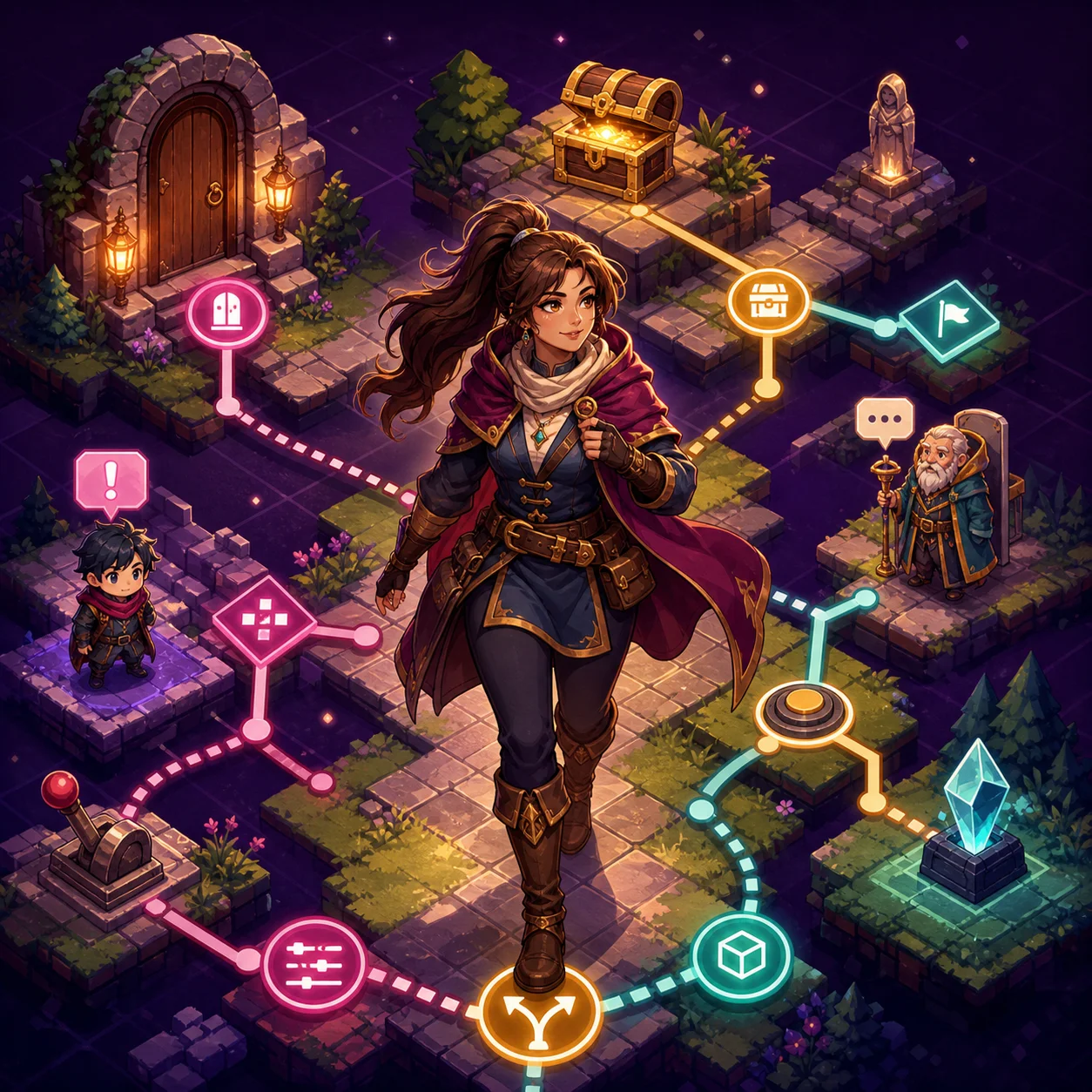
RPG Maker looks like a visual editor, but its event system is a compact programming model. Maps provide the stage; events decide how that stage remembers and reacts.
An RPG Maker project is built from several pieces. Maps provide the spaces the player walks through. Tiles define the visual grid, while database entries describe actors, items, enemies and skills. Events connect those pieces: one can display dialogue, move a character, open a shop, start a battle or change the state of the world.
Events are small scripts
When a player talks to a character, the game checks the event attached to that character. The event then executes commands in order. A simple conversation may only show text and wait for a choice. A quest event can be longer: check whether a condition is met, give an item, turn on a switch, and change its own page so the same character behaves differently next time.
Switches remember facts
A switch is a named on/off value. “Met the archivist” and “Bridge repaired” are good examples. Event pages can require a switch to be on before they become active. This is how a map changes after a quest without the developer writing a new map for every stage.
Variables handle numbers
Variables store values such as points, money, a relationship score or the number of items collected. Conditions can compare those values. A game might show a new conversation when a relationship reaches a threshold, or open a door after the player has found three keys. Switches express states; variables express amounts.
Once you see events this way, an RPG Maker title becomes easier to read. The art and maps create the world, while event pages provide the rules that make the world react to you.
Pages prevent events from becoming tangled
An event can have several pages, each with its own conditions. The game evaluates those conditions and uses the page that should be active. A character might have one page before a quest, another after the player accepts it, and a final page after the quest is complete. This is a simple way to make the same map feel different over time.
Page order matters. If several pages are technically available, the engine needs a predictable rule for choosing one. Developers therefore put more specific, later-stage conditions in the right place and test the event after every quest transition. A broken page condition can make a character repeat an old conversation, offer a reward twice or become unusable after a save is loaded.
Common event patterns
RPG Maker projects tend to reuse a few patterns. A transfer event moves the player between maps. A parallel process checks something in the background, such as a timer or a weather effect. A common event stores a repeated routine, such as updating a status panel or applying a day-night change. Reuse keeps the project smaller, but background processes need care because too many of them can run every frame and waste performance.
Choices are events too. A choice command can set a switch, add to a variable or call another event. The visible question may be short, but its effect can continue through the rest of the game. When a story game feels reactive, it is often because these small event changes are connected consistently to later dialogue and map states.
What players can learn from the system
Understanding events helps explain why two RPG Maker games with similar graphics can feel completely different. Tiles and character sprites establish a visual language, but events determine whether the world is a static backdrop or a place that remembers what happened. A thoughtful event structure gives the player clear feedback: a repaired bridge changes, a completed quest produces a consequence, and a new interaction does not appear without a reason.
When you browse a technical or story-driven title on Lewdspot, pay attention to those transitions. A good RPG Maker game does not need a complicated interface to feel deep. It needs reliable conditions, readable feedback and a world whose rules remain consistent from one scene to the next.
How event design affects the player
Event systems are most noticeable when they fail. A character who repeats the same line after a quest, a door that opens before the player has earned it, or a reward that can be collected twice all point to a condition that was not updated correctly. These are not merely cosmetic issues: they can change the player's route, economy or understanding of the world.
Strong event design uses feedback as part of the rule. If a switch changes, the player should see the bridge repaired, the shop restocked or the character's dialogue move forward. If a variable reaches a threshold, the game should give the player a reason to understand why a new option appeared. Clear feedback reduces the need to guess which invisible condition the game is checking.
For developers, the discipline is straightforward: name switches and variables by their meaning, keep repeated routines in common events, and test events from several save states. For players, noticing these patterns makes an RPG Maker game easier to navigate. The world is usually showing which facts it remembers, even when the interface does not expose the underlying values.
The event model is also why RPG Maker games can support very different moods without changing their fundamental tools. A quiet conversation, a puzzle, a shop and a boss encounter can all be built from the same sequence of conditions and commands. What changes is the data they read and the feedback they give the player. Once those connections are deliberate, a modest map can feel like a place with history rather than a set of disconnected screens.
That is also why a small change can have a large effect. Turning on one switch may change a character page, unlock a map transfer and alter a later variable check. The visible result is a short conversation, but the underlying event chain can reach across several maps. Good games make those chains feel like consequences rather than technical machinery.