Best Browser Games for Android in 2026
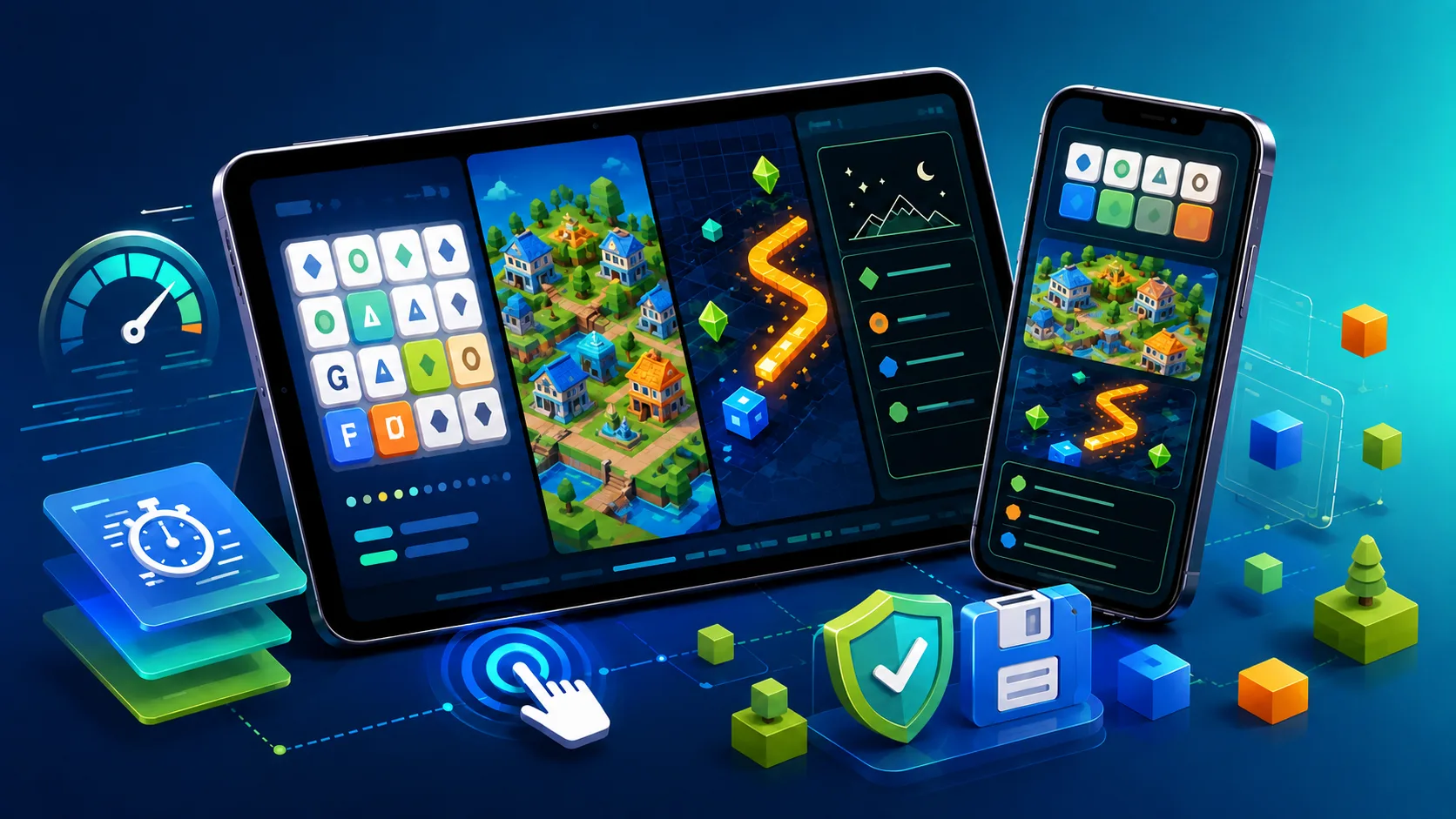
Playing games in a phone browser used to mean tiny buttons, lag and desktop menus squeezed onto a narrow screen. Modern web technology has improved that experience, but “runs in a browser” still does not guarantee that a game will work well on every Android phone.
A useful shortlist should be judged on touch controls, screen layout, loading demands and save behavior—not merely whether the title page opens. The games below cover quick puzzles, creative building, arcade play and a minimalist story. Availability and performance can change, so test each title on your own browser before relying on it for a long session.
Touch controls matter more than desktop graphics
Bad controls ruin a mobile session faster than almost anything else. Older web pages may expect a precise mouse pointer, leaving links and icons that a thumb misses repeatedly. A good Android browser game uses generous tap targets, direct swipes and visible feedback when an input registers.
Controls also need space around the browser interface and the phone's own gestures. Dragging an object should not repeatedly refresh the page or trigger back navigation. Haptic feedback can help when the game and device support it, but clear visual feedback is the more dependable baseline.
- Tap targets should be large and separated enough for a thumb.
- Swipe gestures should match the action instead of imitating tiny arrow keys.
- Important controls should remain away from browser and system gesture zones.
Screen orientation and layout can change the result
A widescreen game designed for a desktop monitor may compress its menus into unreadable shapes on a phone. Responsive games reposition text, sidebars and buttons for the available screen, but not every HTML game includes that work.
Portrait mode suits word puzzles, menus and text-heavy games. Landscape usually gives action games, maps and builders more room. Neither orientation is automatically better. The useful test is whether text remains readable, controls stay reachable and the game recovers cleanly after you rotate the phone.
Fast loading is relative to the game and connection
Lightweight art and efficient file delivery can make a browser game practical over mobile data, but there is no universal three-second target that every title should meet. A word puzzle and a WebGL world have very different asset requirements.
Judge the experience from opening the page to the first usable control. A clear progress indicator is better than a blank screen, and a second visit should often be faster when reusable files have been cached. Heavy video, large audio files and high-resolution textures can increase data use, heat and battery drain, especially on older phones.
“No download” normally means no separate app installation. The browser still transfers and temporarily stores game files, so use Wi-Fi for the first visit if your data allowance is limited.
Browser saves need realistic expectations
A game may store progress in localStorage, IndexedDB or an online account. These are forms of site data, not the same thing as ordinary cached images and scripts. Local progress can survive a reload or phone restart, but it may disappear if you clear site data, use private browsing or the browser removes stored data under pressure.
Before investing time in a longer game, make a small amount of progress and reopen the page. Check whether the game offers an export code, downloadable backup or account sync. Local saves generally stay with the same browser profile and do not automatically follow you to another device.
Five Android-friendly browser games to try
These picks are useful because their interaction models suit short mobile sessions. They are not a guarantee of identical performance across Android devices, browsers or future versions.
- Wordle: a portrait-friendly daily word puzzle with large on-screen keys and a clear stopping point.
- Little Alchemy 2: a drag-and-drop discovery game built around combining elements at your own pace.
- Townscaper browser demo: a creative building toy based on tapping, removing and rotating colorful structures.
- Slither.io: a short action game with direct movement controls; landscape orientation is usually more comfortable.
- A Dark Room: a minimalist text adventure that expands from simple menu choices into resource management and exploration.
Wordle and Little Alchemy 2 are strong quick-break choices. Townscaper is best when you want creative play without objectives. Slither.io adds faster reactions and a live connection. A Dark Room is better for a longer, quieter session, and its web version has historically used local browser saves; use any available export option if you want a backup.
Strategy and sandbox games translate well to touch
Strategy and building games can work well on a touchscreen because they rely on deliberate choices rather than constant button combinations. In Townscaper, tapping open water places colorful building blocks, while removing or adding pieces changes roofs, arches and courtyards.
Text-led games such as A Dark Room also avoid many of the layout problems found in desktop-first action games. The interface begins with simple taps, but the systems become deeper over time. Confirm the save behavior in the version you choose, because mirrors and ports may not handle storage in the same way as the original web release.
Quick puzzle and arcade options fit short sessions
Wordle works well on a phone because it is designed around one daily puzzle and a compact keyboard. Little Alchemy 2 is less time-sensitive: combine a few items, discover something new and stop whenever you want.
If you prefer faster movement, 2048-style sliding puzzles and Slither.io can begin within moments. Their controls are easy to understand, but a live arcade game may depend more heavily on connection quality. Losing a short round to an interruption is also different from losing progress in a long story, so match the game to the amount of time you actually have.
Run a one-minute check before settling in
- Open the title in your normal Android browser and wait for the first usable control.
- Tap controls near the edges and rotate the phone once.
- Switch apps, return and confirm that audio and input still work.
- If the game saves, reload after a small change and check whether progress remains.
- Watch data use, heat and battery during longer sessions rather than assuming all browser games are lightweight.
This quick test tells you more than a generic “mobile compatible” badge. The right Android browser game is one whose controls, layout and storage behavior fit both your device and the type of session you want.
When browsing games on Lewdspot, treat mobile support as a title-by-title feature. Every game can be launched through a browser, but interface quality and performance may vary by browser, device and available memory.