Can You Play Browser Games Offline?
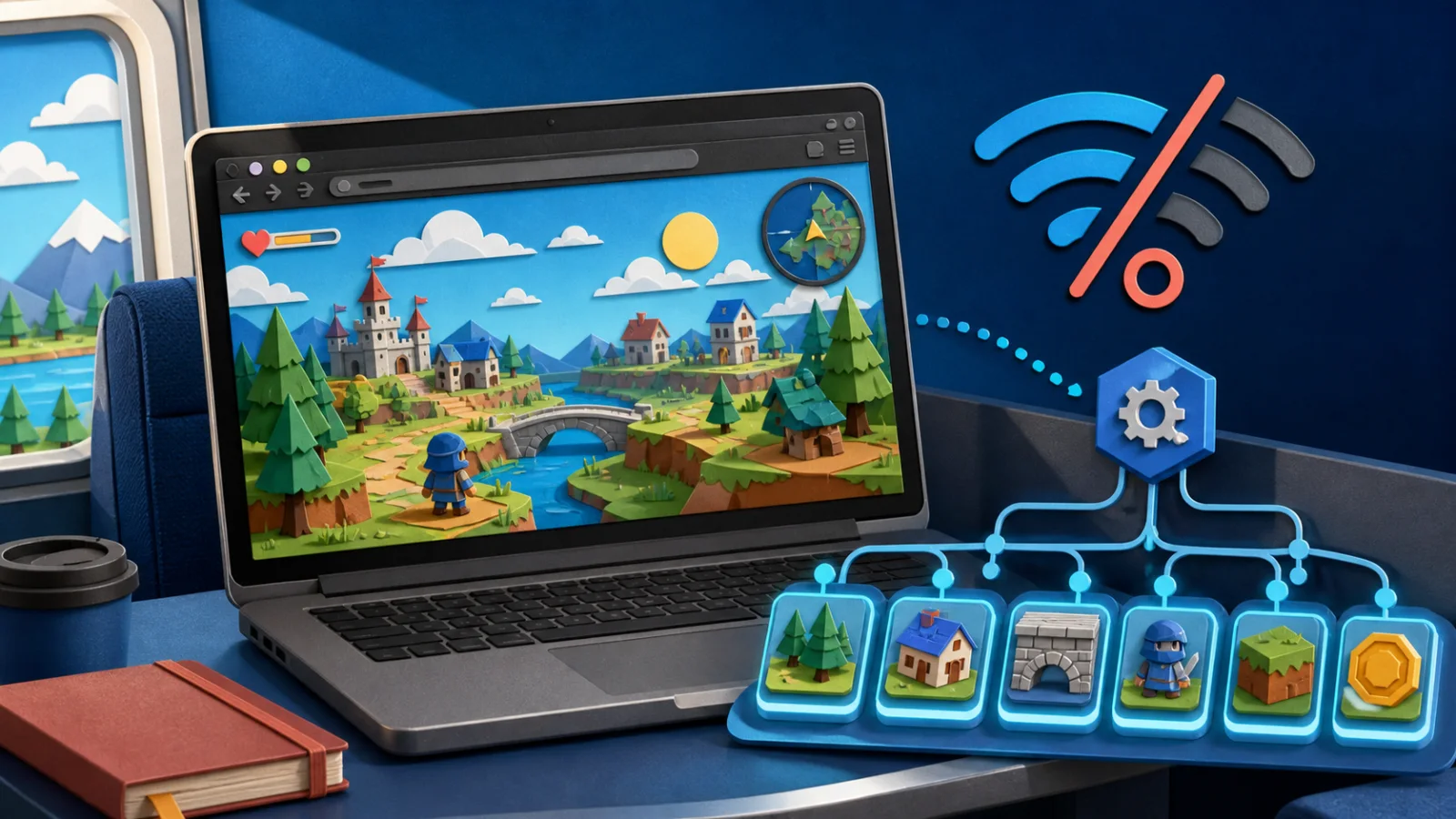
Some browser games continue working after Wi-Fi disappears; others stop at the first missing file or server request. The difference is not simply whether the game uses HTML5. Reliable offline play has to be designed, cached and tested deliberately.
A first online visit may allow a game to reuse files later, but an ordinary browser cache is not a promise of offline support. To understand what will work on a plane, in a tunnel or during an outage, it helps to separate the game files stored on the device from the services that still live on a remote server.
Offline support begins with an intentional design
A browser can store scripts, images, audio and data locally. A developer can go further by registering a service worker: a background script that can intercept network requests and decide whether to use a cached response, contact the server or show an offline fallback.
Service workers are commonly associated with Progressive Web Apps, but the terms are not interchangeable. A site may register a service worker without offering installation, and an installable web app may cache only part of its content. The important question is the cache strategy for the specific game.
If no offline behavior has been implemented, the browser's normal HTTP cache may still make a repeat visit faster. It may even allow some previously viewed assets to appear without a connection. However, cached files can be evicted, may require revalidation and may not include every route or scene. That is why “it worked once in airplane mode” is weaker evidence than a documented offline mode.
The first online load is necessary—but may not be sufficient
You cannot open a game offline for the first time because the browser does not yet have its code and assets. Even after one visit, the game may have downloaded only the title screen and first scene. Audio, later chapters or large maps may be fetched on demand.
For a realistic test, open the game online, start a session and visit the parts you expect to use. Then close the tab, enable airplane mode and reopen the same address. Continue far enough to trigger a new scene, sound or menu. If only the opening works, the cache is incomplete.
A web app manifest can describe an app's name, icons, display mode and launch URL. It does not by itself download the game or make it work offline. The service worker and its caching logic are responsible for serving resources when the network is unavailable.
What can usually be stored locally
A well-designed offline game can cache the application shell—the HTML, CSS and JavaScript needed to start—along with artwork, fonts, audio and level data. The Cache API is often used for request-and-response files. IndexedDB is better suited to larger structured data, downloaded chapters or save records.
Different game engines package their exports differently, but the same principle applies: every file needed for an offline session must either be stored ahead of time or generated locally. One uncached configuration file can prevent a game from starting even when all the visible artwork is present.
Storage is not permanent. Browsers and operating systems may remove site data under storage pressure, and users can delete it through privacy settings. Some browsers provide persistent-storage APIs, but the browser decides whether to grant the request. An offline-capable game should therefore treat local storage as durable enough for normal use, not as an indestructible archive.
What caching cannot replace
Local files cannot imitate a live service that the game depends on. Offline mode will normally lose or delay features such as:
- multiplayer matchmaking, chat and real-time shared worlds;
- account authentication that requires server verification;
- cloud saves and cross-device synchronization;
- leaderboards, live events, advertisements and store transactions;
- content or game logic generated by a remote API.
A game can queue some actions and synchronize them after reconnection, but conflict handling must be designed in advance. If two devices edit the same cloud save while one is offline, the server needs a rule for deciding which version wins.
For this reason, single-player games with self-contained assets are the strongest candidates for offline browser play. A server-centered game may be impossible to use meaningfully without a connection even if its interface has been cached.
Updates make cache strategy important
Offline files eventually become old. When a new release changes scripts or asset names, the service worker needs a safe way to install the new cache and remove obsolete files. Developers often use versioned cache names and activate an update only after the required resources have downloaded successfully.
The timing is not identical across browsers or implementations. A new service worker can wait while an older page remains open, and the player may need to refresh or restart the app before the new version takes control. A network-first strategy may show fresh data when connected but fail more often offline; a cache-first strategy loads quickly but needs careful version management.
Players should reconnect periodically and open the game before a trip if they want the latest version. Developers should show an update message when a restart is required rather than silently mixing files from incompatible releases.
Offline saves are separate from offline game files
Caching the game does not automatically save progress. A game may use localStorage for small settings, IndexedDB for larger saves or a remote account for cloud progress. Local saves can work without a connection because the data stays in the browser profile, but they may disappear if site data is cleared.
Private browsing is a poor choice for a long offline session. Its storage is temporary by design, and the browser may remove it when the private session closes. Use a normal profile, keep the same hostname and use export or backup features when the game provides them.
If a game normally synchronizes saves to a server, test what happens offline before relying on it. Some games keep a local copy and upload it later. Others require authentication before they will load any progress.
Installation does not guarantee offline play
Some browsers let users install eligible web apps from the address bar, browser menu or home-screen controls. Availability varies by browser, operating system and site configuration. There is no single installation icon that every user will see.
Installation can make a game easier to launch and give it a standalone window, but it does not create missing cache rules. An installed game can still require an internet connection. Check the game's own documentation or perform an airplane-mode test rather than assuming installation means offline support.
A five-minute offline test
- Open the game online in a normal browser profile and reach a playable scene.
- Create a small save or change a setting you can recognize later.
- Close the game, enable airplane mode and reopen the exact same URL or installed app.
- Move to another scene and test audio, menus and any content that may load on demand.
- Reload once, confirm the local save, then reconnect and watch for update or sync messages.
Do not clear the browser cache or site data during this test. Those actions remove the very resources you are trying to verify.
The practical answer
Yes, a browser game can work offline—but only to the extent that its developer has stored the required files and provided fallbacks for network-dependent behavior. HTML5, a manifest or an installation prompt alone is not enough.
When exploring browser-game technology through Lewdspot, treat offline support as a feature of an individual title rather than a promise that applies to every game. Load the title while connected, test it in airplane mode, understand where its saves live and keep expectations realistic for multiplayer or cloud features.