How to Bring a Flash Game Back to the Web
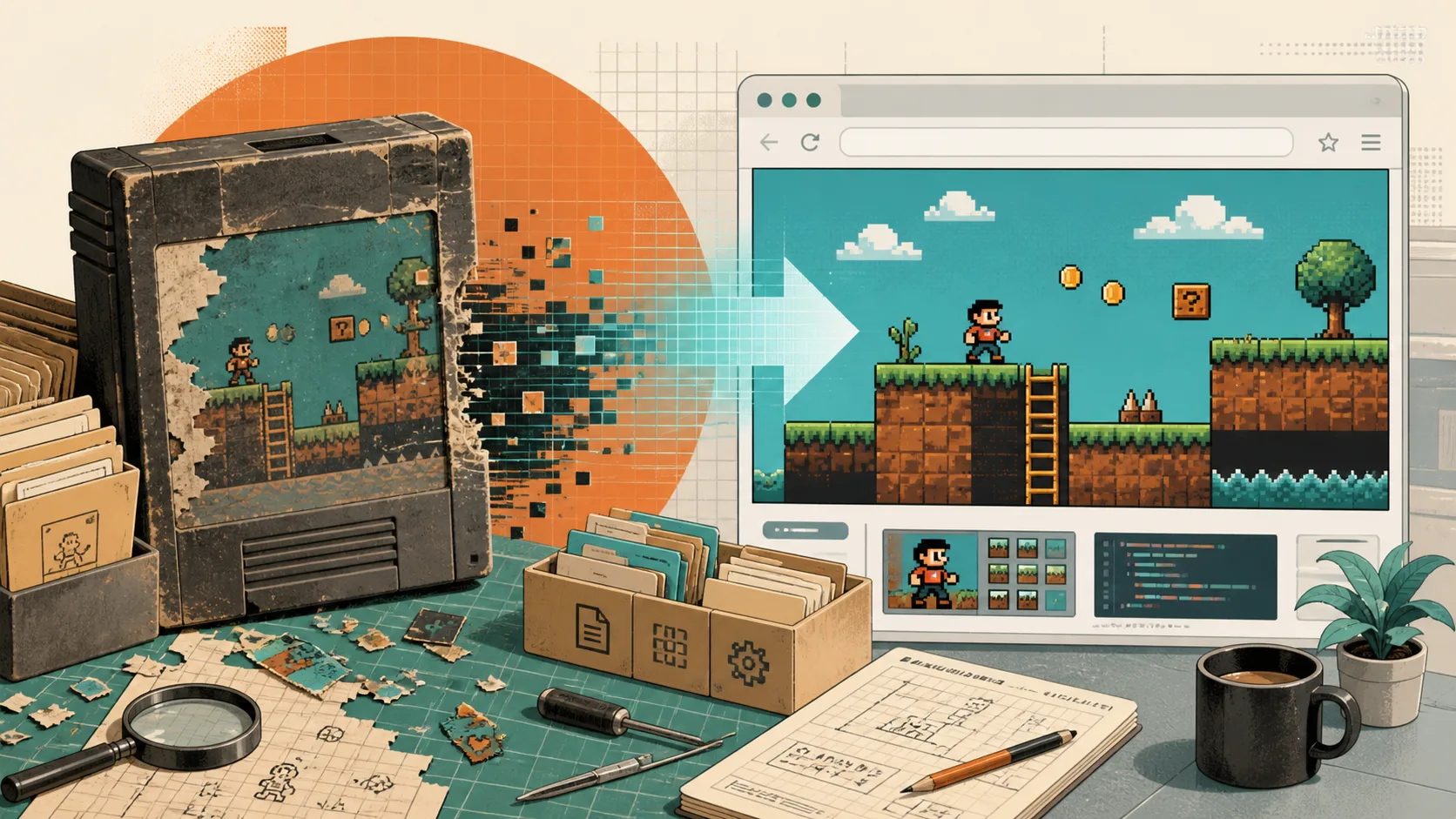
Thousands of browser games became difficult to access when Flash Player support ended. Recovering one of those games is not as simple as converting a single file to HTML5. The practical choices are to emulate the original runtime, rebuild the game with modern web technology, or preserve it without promising that it will run in every current browser.
The right approach depends on the files that still exist, the version of ActionScript the game used, its reliance on external services, and how closely the new version must reproduce the original. This guide explains how to make that decision and how to test the result.
Start by Identifying What You Actually Have
Before choosing a tool, inventory the surviving materials. A
.swf file may contain the complete game, but it may also
load images, audio, configuration files, level data, or additional SWFs
from other URLs. If those dependencies are missing, the main file can
open successfully and still produce an empty menu or stop halfway
through play.
Look for:
- the original SWF and any secondary SWF files;
- source files such as
.fla, ActionScript, or project exports; - images, fonts, audio, video, maps, and configuration files;
- server endpoints used for accounts, leaderboards, multiplayer, or downloadable levels;
- documentation describing controls, save behavior, and expected screen size.
Keep an untouched archival copy before changing filenames or reorganizing folders. That copy gives you a reference when a migrated build behaves differently.
Decide What “Recovered” Should Mean
Different projects need different outcomes. A museum or archive may prioritize visual fidelity and historical behavior. A game site may need reliable loading, mobile-friendly controls, and maintainable code. A developer reviving an old project may care more about retaining its rules and assets than reproducing every original menu transition.
Write down the acceptance criteria before implementation. For example:
- The title screen, core game loop, and ending must be playable.
- Local progress must survive a normal page reload.
- The game must work in current Chrome, Firefox, and Safari releases.
- Touch controls are required, or the page must clearly state that a keyboard is needed.
- Online features that no longer have a server may be removed or presented as unavailable.
This prevents a technically successful launch screen from being mistaken for a complete restoration.
When Emulation Is the Sensible First Test
An emulator recreates enough of the Flash runtime to execute an existing SWF inside a modern webpage. Ruffle is a widely used open-source option that runs through WebAssembly and browser APIs. It is often the fastest way to determine whether an old game can be made accessible without rewriting its logic.
Compatibility depends heavily on the game. Ruffle reports very strong support for ActionScript 1 and 2 content, while ActionScript 3 support continues to improve. A simple timeline-based game may work immediately. A later game that uses uncommon APIs, complex video, sockets, or external services may expose missing features.
Use emulation first when:
- only the compiled SWF survives;
- the game is mostly self-contained;
- preserving the original presentation matters;
- a short compatibility test is cheaper than a complete rebuild.
Do not judge compatibility from the opening screen alone. Play through every major state, including restarts, scene changes, saves, audio transitions, and the ending.
When a Modern Port Is the Better Investment
A port rebuilds the game using current web technologies or a game engine that exports to the web. This takes more work, but it gives the project direct control over layout, input, storage, loading behavior, and future maintenance.
A port is usually preferable when:
- the original source code and assets are available;
- emulation fails in core parts of the game;
- the game depends on services that must be replaced;
- accessibility or touch support is a requirement;
- the project will receive new content or long-term maintenance.
There is no universal replacement for Flash. HTML and CSS can handle menus and text. Canvas or WebGL can render game scenes. JavaScript or WebAssembly can run game logic. Web Audio manages sound, while IndexedDB or a server can store progress. An engine may assemble several of these parts, but the team still has to choose how the game loads and saves.
Map Flash Features to Modern Responsibilities
Migration becomes easier when the old project is separated into responsibilities instead of treated as one opaque file.
Display and animation
Vector artwork and timeline animation may need to be exported, recreated, or replaced with sprite sheets. Canvas works well for many 2D games. WebGL becomes useful when the project needs hardware-accelerated effects or more demanding rendering. Visual similarity should be checked at several viewport sizes rather than only at the original stage dimensions.
Input
Keyboard and mouse controls do not automatically become good touch controls. Hover interactions need an alternative, small buttons need larger targets, and browser gestures can conflict with swipes. If mobile play is not realistic, say so clearly instead of presenting a broken touch experience.
Audio
Modern browsers commonly wait for a click or tap before allowing audible playback. The start flow should initialize or resume audio after that interaction. Test what happens when a mobile user switches apps, locks the screen, or returns to a backgrounded tab.
Saves
Flash games often used local shared objects. A modern port might use localStorage for small settings or IndexedDB for larger structured saves. These stores belong to a browser profile and can be deleted when site data is cleared. If cross-device progress matters, it requires a server-side system rather than a promise that local saves will synchronize.
Networking
Old endpoints may no longer exist, may use insecure HTTP, or may depend on a retired account service. Record every request made by the original game. Then decide whether to rebuild the service, replace it with a static data file, or remove the feature with an honest explanation.
Optimize the First Playable Moment
A restored game can be functionally correct and still lose players during loading. Images, audio, scripts, and WebAssembly files all have to be downloaded and decoded. Their compressed transfer size does not show their full memory cost after decoding.
Load only the assets needed for the first playable scene, then fetch later levels or chapters as required. Compress images and audio appropriately, reuse unchanged assets through HTTP caching, and show progress tied to real loading work. On memory-limited phones, test long sessions as well as first launch; a project that opens successfully may still fail after several scene changes.
Use a Test Matrix, Not a Single Browser Check
A useful quality-assurance pass covers the whole player journey:
- Open the game in a clean browser profile and record time to the first usable control.
- Verify keyboard, pointer, touch, and gamepad input only where each is supported.
- Complete at least one full play path, including failure and restart states.
- Create a save, reload the page, close and reopen the browser, and confirm the documented behavior.
- Interrupt audio and focus by switching tabs or apps.
- Test a slow or interrupted download and confirm that retry instructions are useful.
- Check console and network errors instead of relying only on what appears on screen.
- Repeat on representative desktop and mobile devices rather than assuming one result applies everywhere.
Keep a short list of known limitations beside the release. A precise note such as “keyboard required” or “online leaderboard unavailable” is more useful than a broad compatibility claim.
Choose the Smallest Approach That Meets the Goal
Emulation is not an inferior shortcut, and a rewrite is not automatically a better restoration. If an emulator reproduces a self-contained game accurately, that may be the most faithful and maintainable result. If essential systems fail or the project needs modern controls and ongoing development, a port is the stronger choice.
The important work is the investigation around the technology: identify every dependency, define what success means, test complete play paths, and describe limitations honestly. That process turns an old SWF from an inaccessible artifact into a browser experience people can actually use.
Technical References
- Ruffle compatibility overview: https://ruffle.rs/compatibility/
- MDN game development resources: https://developer.mozilla.org/en-US/docs/Games
- MDN WebAssembly concepts: https://developer.mozilla.org/en-US/docs/WebAssembly/Guides/Concepts
- MDN IndexedDB guide: https://developer.mozilla.org/en-US/docs/Web/API/IndexedDB_API/Using_IndexedDB